Zero to text
Put readable text on a target layer.
Steps
- Ensure a target layer exists (canvas editor).
- Create a cue (Ctrl+N).
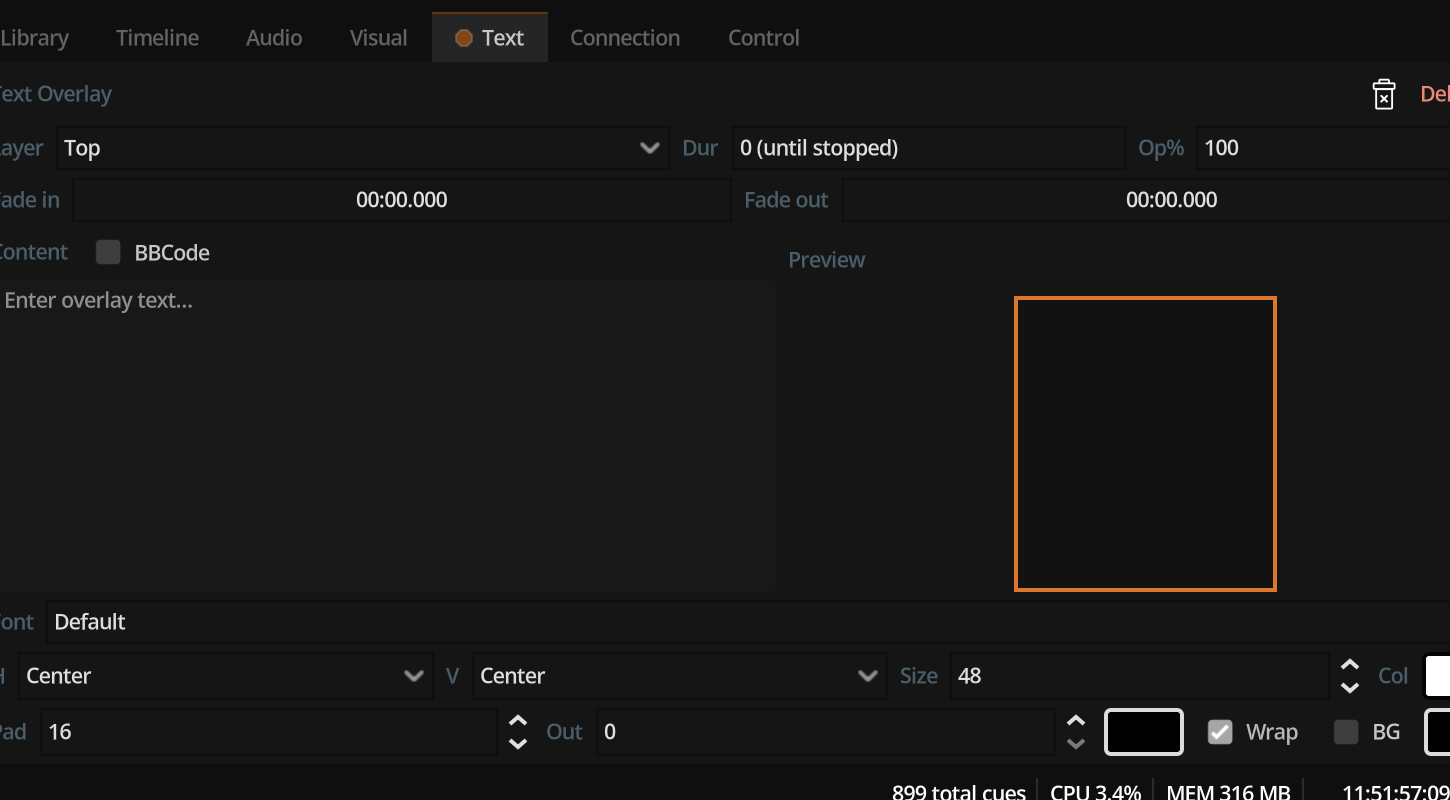
- Add a Text component (Text inspector).
- Enter content. Optionally enable BBCode for rich markup.
- Assign the target layer.
- Set duration (seconds), or
0to hold until stop. - Adjust font size, colour, outline, margins, and alignment for readability.
- GO.
Tips
- Use outline and contrast colours over bright video.
- Prefer system font family names that exist on the playback machine, or embed a font file path for consistency.
- Stack text and video by using separate layers or the same layer depending on draw order in your layout.