Audio routing
Steps
1. Build a patch
- Settings → Audio output patch.
- Create or select a patch.
- Map patch buses/outputs to device channels.
- Open the required audio devices for the session.
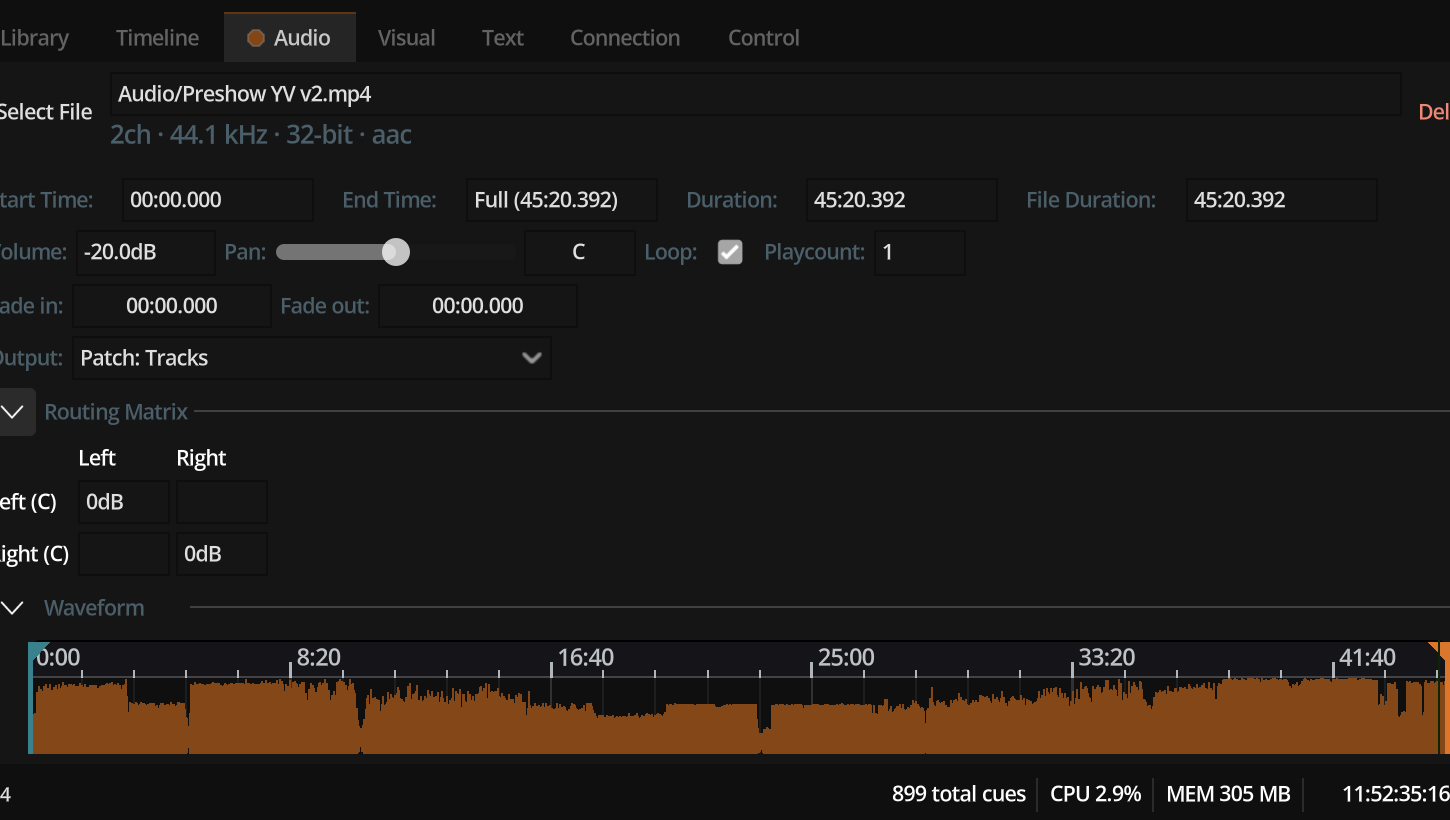
2. Assign the cue
On an audio component, set Patch to that patch (or use Preferred defaults).
3. Shape the cue matrix
Open the cue’s routing matrix. Crosspoints send source channels into patch buses. Combined with pan and volume, this is the artistic send stage before the patch maps to hardware.
4. GO and verify
Play and confirm each physical output. Use mono stems or channel-check files when tuning multi-channel shows.